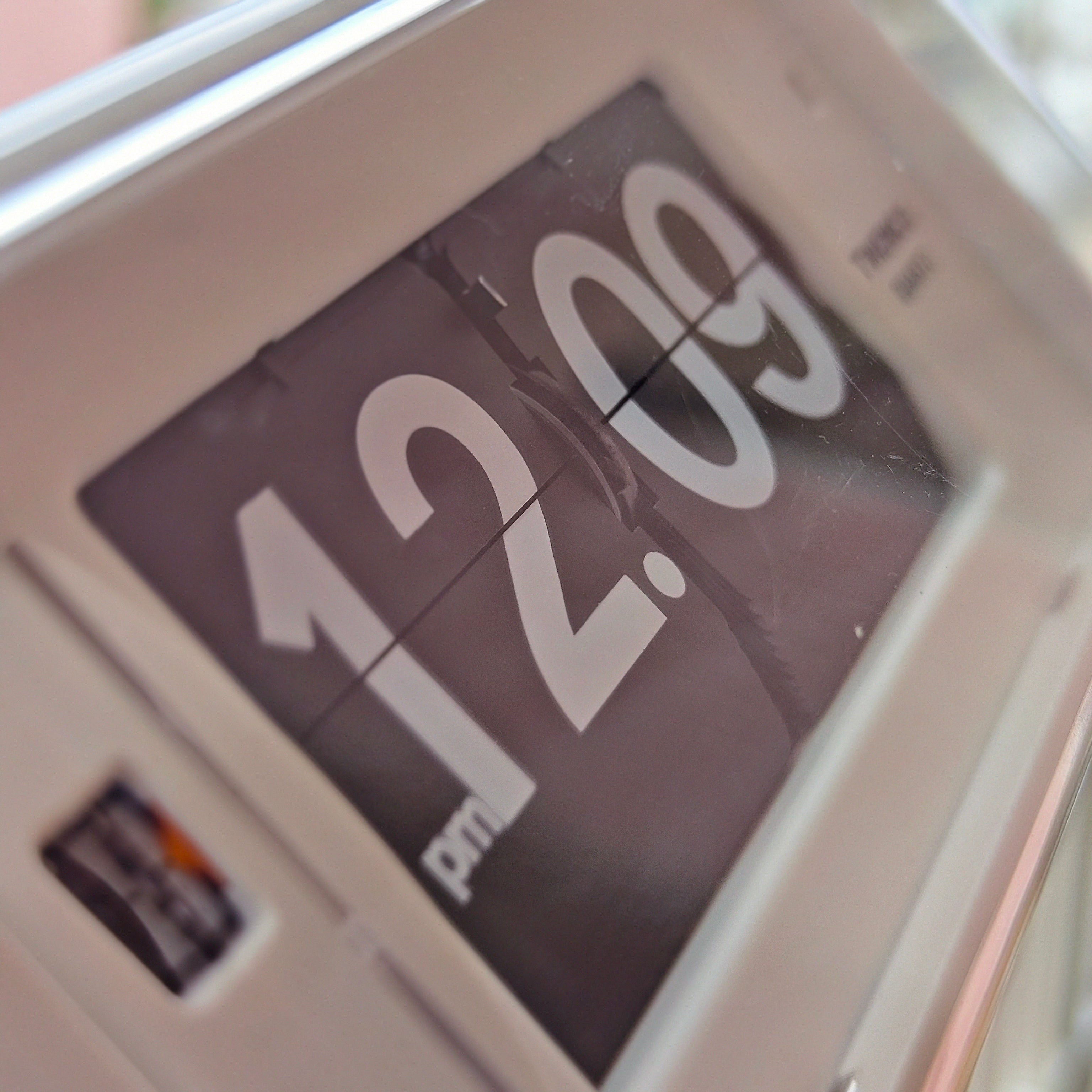
Clock Display: Live Digital Time, Seconds, and Time Zones Explained
You probably look at the clock fifty times daily without considering the design. In practice, an analog face acts like a visual map pointing to your place in the day, carefully engineered for "glanceability"—the split-second speed at which you process time.
Struggling to check a screen at 3:00 AM shouldn't be the standard for figuring out what is the present time. That midnight glare highlights the critical difference between active displays, which emit their own glowing light, and passive screens that simply reflect ambient room lighting.
Finding the right clock display depends on matching these specific technologies to your environment. Choosing the perfect timepiece requires balancing daily lighting conditions with the exact precision you need.

The Seven-Segment Secret: Why Digital Clocks Look Like Stencils
Most digital timers use identical blocky numbers. This clever design relies on seven-segment numeric font types. Think of it like a glowing stencil. Instead of drawing complex curves, a standard LED clock arranges seven straight bars into a figure-eight.
Turning specific bars on or off transforms this shape into any digit. The number 8 is the master template for every big live clock you see:
-
Removing the middle bar makes a 0.
-
Lighting just the right-side bars creates a 1.
-
Turning off the top-right and bottom-left forms a 5.
Why use this layout instead of modern, smooth pixels? The secret is fixed-segment efficiency. Lighting seven large bars requires far less electricity than powering thousands of microscopic dots. This energy-saving shape matters, but so does the display technology glowing behind it.

LED vs. LCD: Choosing the Right Screen for Night Owls and Bright Sunlight
Imagine a bright stained-glass window. That is a transmissive display, like an LED clock, actively pushing its own light outward. Liquid crystal displays (LCDs) work differently, acting more like window shutters. They rarely glow, instead blocking existing room light to form dark, shadowy numbers.
Navigating LED vs LCD screen technology for bedrooms requires considering restfulness. To avoid negative blue light impact on sleep quality, choose glowing red numbers. Harsh blue light halts your brain's sleep signals, while red light prevents melatonin suppression entirely, keeping you perfectly drowsy.
Bright sunlight completely flips these visibility rules. While glowing LEDs easily wash out outdoors, LCDs thrive as reflective displays, using a mirror behind the glass to bounce ambient light back toward you. This creates a high contrast ratio—a sharp, readable difference between the dark numbers and the lighter background. Paired with modern anti-glare coatings, daytime reading becomes effortless.
Perfect visibility, however, doesn't guarantee accurate timing. Even the crispest, most beautifully legible screen is useless if its internal heartbeat loses rhythm.

Mastering Precision: Why Your Seconds and Milliseconds Might Be Liars
Every battery-powered display needs a heartbeat, usually provided by a tiny piece of quartz. When electricity hits it, the crystal vibrates exactly 32,768 times per second. However, weighing quartz movement vs digital precision reveals a hidden flaw: minor physical imperfections cause "clock drift," making your device slowly lose or gain time.
You might notice your oven and phone occasionally showing different times. Three common culprits explain why a clock with seconds and milliseconds might be wrong:
-
Battery voltage drops (making backups critical during power outages).
-
Temperature changes altering the crystal's physical rhythm.
-
Network latency—a slight data delay meaning internet time isn't perfectly "live."
To fix this, setting up atomic radio synchronized time automatically corrects errors overnight using signals from master clocks.
Global Time Logic: Navigating 24-Hour Formats and Time Zone Math
Have you ever accidentally set a morning alarm for 7:00 PM? "AM" and "PM" tags exist strictly to solve the physical space limits of a traditional 12-hour clock face. Many modern screens bypass this confusion using a 24-hour format. Knowing what time is it in 24 hours requires one simple trick: subtract 12 from any number over twelve, instantly turning 15:00 into 3:00 PM.
Coordinating international schedules demands a shared starting line. This anchor is UTC (Coordinated Universal Time), a steady baseline ignoring regional daylight saving shifts. Whenever someone jokingly asks where is it 5 o clock right now, the answer involves adding or subtracting hours from this reliable zero-point to match a local time zone.
Checking what time is the date across the globe relies entirely on this invisible grid. Yet, perfectly synced global data requires a display that remains naturally readable in any environment.
Visibility for Everyone: From Auto-Dimming to High-Contrast Designs
Squinting at a blurry bedside alarm is universally frustrating. To ensure high visibility for low vision users, modern screens rely on stark contrast—like crisp white text on deep black backgrounds. Pairing this with adjusting auto-dimming brightness sensors prevents blinding midnight glare by automatically reacting to your room's darkness.
Innovative alternatives offer entirely different ways to check the hour. Projection optics can beam a giant clock live directly onto your ceiling, preventing awkward neck strain. Meanwhile, E-ink displays work like microscopic flipping beads that reflect ambient light, mimicking real paper with incredible clarity and minimal battery drain.
Designing Your Time: How to Pick Your Perfect Display
Apply your LED and LCD knowledge by choosing dimmable red displays for better sleep, while keeping a high-precision large clock online synced for your workspace. Matching precision and visibility to each room's specific needs makes every everyday glance completely effortless.