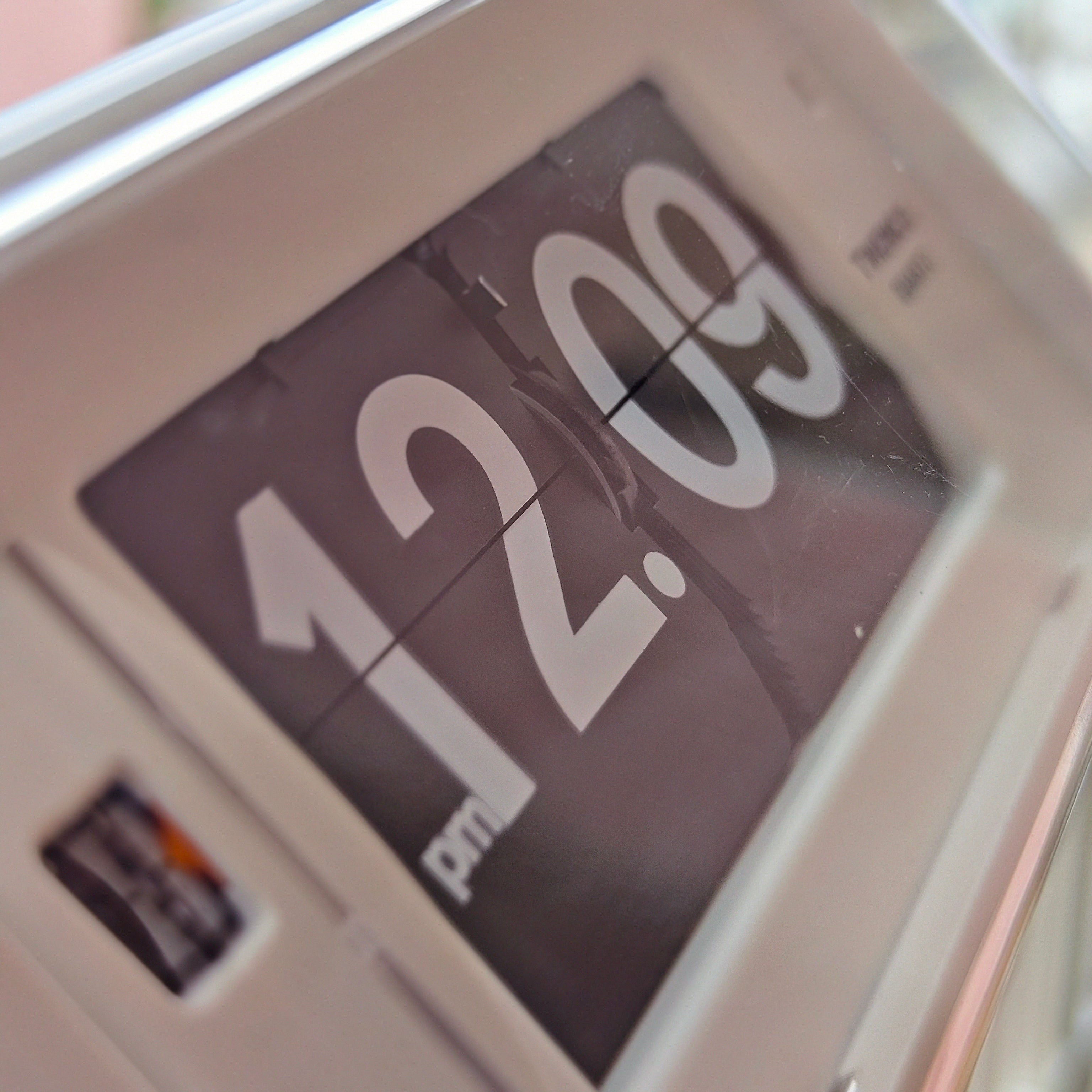
A battery clock is usually the more flexible choice when you want time on a wall, shelf or desk without arranging the room around a socket. A plug-in clock makes more sense when its powered features matter enough to justify a permanent cable: an illuminated display, a radio or another function you will actually use.
Neither power source is automatically more accurate, more durable or better looking. The right choice depends on where the clock will sit, how you maintain it and what you expect during a power interruption. Start with those practical questions, then compare the exact model.
Battery vs plug-in clocks at a glance
| Buying consideration | Battery clock | Plug-in clock |
|---|---|---|
| Placement | Independent of a wall socket; easier to move | Needs a suitable supply and a workable cable route |
| Routine maintenance | Replace or recharge cells as the instructions require | Check the cord, adapter and any backup battery |
| Power interruption | Continues independently while its batteries remain healthy | Depends on whether backup supports timekeeping, display and alarm |
| Appearance | No power cable to include in the composition | Cable and adapter become part of the placement plan |
| Accuracy | Judge the movement and stated specification | Judge the movement and stated specification |
| Best starting point | Flexible, uncluttered time display | A fixed location with useful powered features |
First, identify what “battery” or “plug-in” actually means
A replaceable-battery clock, a rechargeable clock and a mains clock with battery backup are different ownership arrangements. A battery compartment does not necessarily mean the clock can perform all its normal functions without external power.
Similarly, a USB cable does not prove that a clock contains a rechargeable battery. It may need continuous USB power. Read the power section of the manual and look for separate statements about normal operation, charging and backup. For a model with a supplied adapter, check both the clock’s requirements and the adapter’s input rating.
Display format is another separate decision. Physical flip cards, analog hands and electronic numerals do not tell you the power arrangement by themselves. Our comparison of flip and digital clocks for different spaces can help with that choice once you know how the clock will be powered.
Placement: choose the location before the power source
When battery power is the easier fit
Battery power is particularly convenient on an uninterrupted wall, a floating shelf or a desk that changes layout. You can position the clock for visibility rather than for the nearest socket, and moving it does not involve rerouting a cable.
The NeXtime table and wall flip clock, for example, is listed with two AA batteries and a case that can sit on a table or hang on a wall. That combination lets the same object serve different placements. Check current availability and the exact version before ordering.
There is still an access requirement. A wall clock that looks beautifully placed but is awkward to remove for a battery change can become inconvenient to own. Consider how you will reach the compartment, set the time and handle the case safely after mounting.
When a plug-in clock works well
A bedside table, permanent workstation or sideboard near a suitable socket can make external power straightforward. The arrangement works best when you can reach the plug and keep the cable clear of drawers, doorways and normal movement.
Before buying, trace the route from the proposed clock position to the socket. Include the adapter’s size and the space behind furniture. A short, tidy route may be unobtrusive; a cable stretched across an otherwise calm wall can undermine the reason you chose the clock.
A plug-in wall clock needs more planning than a plug-in desk clock. Do not select the clock first and assume that power can be hidden later. If the preferred wall has no suitable supply nearby, a battery model may solve the placement problem more cleanly.
Maintenance: batteries need attention, and so do backup batteries
For a battery clock, compare the specified battery type, number of cells, stated runtime and replacement procedure. A simple clock with easily reached common batteries may suit you better than a model whose compartment is inconvenient, even if both have attractive designs.
Energizer’s battery-care guidance recommends using the device’s specified size and type, observing polarity, removing exhausted batteries promptly and replacing a set together with matching new cells. It also advises removing batteries when a device will remain unused for an extended period.
Runtime is model-specific. Do not infer it from the size of the case or the fact that the clock has moving cards. Our guide to flip-clock battery consumption explains how to interpret battery count and published operating periods without confusing them with the clock’s lifespan.
The TWEMCO QT-30 table flip clock is one example of a compact battery model; its listing specifies a C-size alkaline battery. The important buying habit is to check the individual specification rather than assume every compact clock uses AA cells.
A mains clock avoids routine replacement of its main power supply batteries, but it may still contain a backup cell. That cell needs attention if you are relying on it during an outage. Keep the original power accessories where required, inspect accessible cords for damage and follow the maker’s maintenance instructions.
Reliability: separate timekeeping, display and alarm backup
A healthy battery clock does not depend on the household electricity supply for its normal operation. Its main vulnerability is the condition of its batteries and contacts. A mains clock depends on external power unless a documented backup arrangement covers the function you need.
“Battery backup” deserves closer reading. Ask three questions: will the clock keep counting time, will the display stay visible, and will the alarm sound? These are separate capabilities.
For a concrete example, the linked regional Sony ICF-C1 operating instructions explain that a CR2032 cell maintains the clock through an interruption. They also state that the display turns off and the alarm does not sound during the interruption. This is an example of backup preserving timing without providing normal visible and audible operation; other models may behave differently.
For a bedside clock you depend on, read that section before purchase. For a decorative living-room clock, resetting after an occasional interruption may be an acceptable compromise. Decide which consequence matters in your routine rather than ranking all battery clocks above all mains clocks.
Accuracy comes from the timebase, not the cable
Electrical power supplies the energy to operate a clock; the timebase establishes its pace. NIST’s explanation of clock timekeeping describes how a quartz clock counts a crystal’s repeating oscillation to generate timing ticks.
The buying implication is that “battery” and “plug-in” are incomplete accuracy descriptions. Look for a stated tolerance, any conditions attached to it and whether the clock synchronises to an external time reference. Do not treat mains power as a guarantee of precision.
For physical flip displays, distinguish gradual drift from a card that advances late or sticks. Our guide to flip-clock accuracy and display timing explains that distinction. A readable, consistently operating display matters alongside the movement’s specification.
Aesthetics: judge the whole installation
Battery operation can make an object feel visually self-contained. That is useful on a pared-back desk, an open shelf or a statement wall where a visible cable would draw attention away from the clock.
External power can be equally appropriate when the display or lighting is part of the room’s purpose and the cable route is already resolved. Assess the clock from the side as well as the front: an adapter, protruding connector or cable loop may change how neatly it sits against a wall or among books.
Do not assume battery operation means darkness, or that mains power means an excessively bright display. Check whether illumination is continuous or activated on demand, whether brightness can be adjusted, and what the clock looks like in the actual lighting where you will use it.
Imported and vintage plug-in clocks need an extra check
Before buying an imported mains clock, confirm the rated supply requirements and suitable power accessories for your location. Hong Kong’s EMSD electrical-appliance safety guidance identifies 220 V AC as the household supply and warns against connecting appliances rated below 200 V AC directly to it. A plug that physically fits is not sufficient evidence of compatibility.
For a vintage clock, request a clear rating-label photograph and a description of its present electrical condition. Confirm any frequency requirements with the seller or a qualified technician. Do not improvise wiring or choose a converter from the clock’s appearance.
If you are browsing Dong’s vintage flip-clock collection, consider the electrical setup as part of the purchase, alongside condition and design. A collectible object can require more preparation than a contemporary battery clock.
Which should you choose?
Choose battery power when flexible placement, a clear wall and easy relocation are your priorities, and you are comfortable checking and replacing cells. Choose a plug-in model when you have a suitable permanent location and want features that justify the cable.
Before committing, record the location, power requirement, maintenance task and outage behaviour for each shortlisted clock. If one option fits all four without awkward compromises, it is likely the better choice for your home. The best power source is the one that supports how you will use the clock.
Frequently Asked Questions
Are battery clocks less accurate than plug-in clocks?
Not inherently. Compare the timebase, stated accuracy and any synchronisation feature of the specific models. The power source alone does not provide that information.
Does a plug-in clock with battery backup work normally during a power cut?
Not necessarily. Backup may preserve time without keeping the display or alarm working. Check each function in the exact model’s instructions.
Is a USB-powered clock rechargeable?
Only if the manufacturer says it contains a rechargeable battery. Some USB-powered clocks need a continuous supply and have no charging function.
Which is better for a wall with no nearby socket?
A battery clock is usually the more practical starting point. Check mounting requirements and make sure its battery compartment remains reasonably accessible.