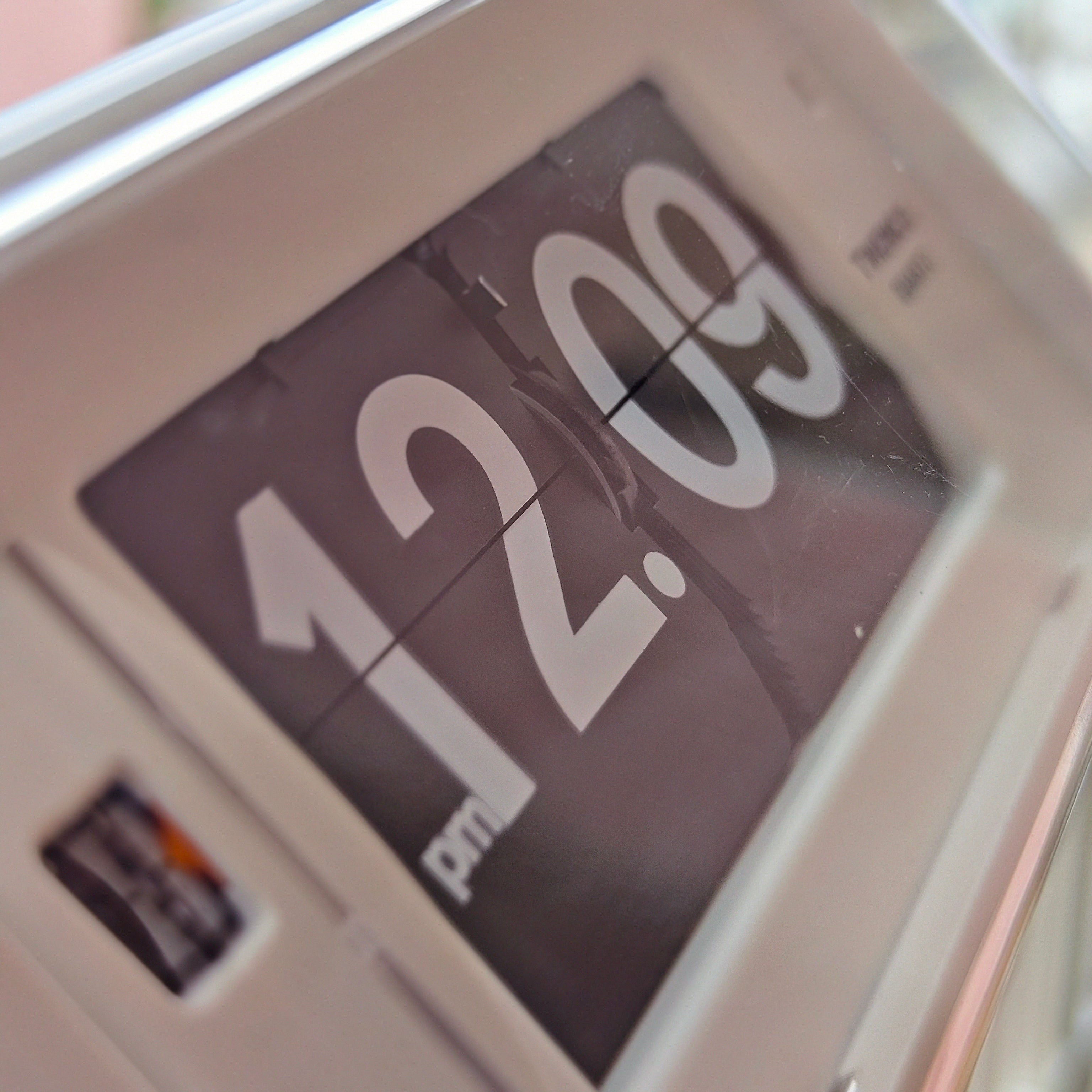
A flip clock that stops, sticks or shows the wrong minute does not necessarily need a new movement. Start with the power supply, the setting procedure and the way the clock is positioned. Those checks are useful precisely because they do not involve dismantling the display.
This guide covers common flip clock problems and the safe checks an owner can make. It is not a universal repair manual: a battery-powered desk clock, a calendar clock and a vintage mains-powered model can need very different treatment. If the instructions for your exact model disagree with general advice, follow the model instructions.
Before you try a fix
Find the model number on the case or battery compartment and locate its manual. Note when the problem started: immediately after a battery change, after moving the clock, during setting, or gradually during normal use. A short video of the fault is often more useful to a repairer than a description such as “it runs badly.”
Keep these limits in mind:
- Use only the battery or power arrangement specified for that model.
- Do not pull cards, bend supports or force a resistant adjustment control.
- Do not spray cleaner or lubricant into the mechanism.
- Stop using a clock with damaged wiring, overheating, a burning smell or visible battery leakage.
For a vintage plug-in clock, leave internal electrical checks to a qualified repairer. A plug that physically fits is not proof that the clock is suitable for your local supply. Keep the rating label available when asking for advice.
1. The clock has stopped completely
Check the battery before blaming the mechanism
For a battery-powered model, confirm the specified size and type, then check the positive and negative markings. If the battery's condition is uncertain, try a fresh, correct replacement. Where several batteries are required, replace the set together rather than combining old and new cells.
Inspect the accessible compartment with the batteries removed. Ordinary surface dirt on otherwise sound contacts is different from leakage or corrosion. For routine contact care, Energizer recommends keeping contact surfaces clean, using a cloth or clean pencil eraser. Do not scrape damaged terminals, bridge them with foil or put liquid into the clock. Visible residue or damaged contacts calls for advice from the seller or a repairer.
Then follow the model's restart and setting sequence. Watch several minute changes: a display that moves once during adjustment has not yet demonstrated that it runs normally. Record the replacement date so a repeat failure has a useful reference point.
If it stops again, note whether the same numeral is displayed each time. A repeatable stopping point and a complete lack of movement are different symptoms; neither proves a motor failure without further testing.
2. A card sticks or the display shows half a number
First distinguish a brief transition from a persistent fault. Watch without touching the clock. Does the card settle, or does it remain caught while the next minute passes? Does the problem recur on the same card, or at apparently random positions?
Check that the clock is supported in its intended orientation, with nothing pressing against the display or controls. A clock that worked before being moved deserves a placement check before any internal diagnosis. Remove nearby objects that could interfere, but do not reach inside to straighten a card.
A useful model-specific example is the NeXtime Metal Big Flip clock. NeXtime's PWAR5198 manual instructs owners not to touch the flips and to keep the clock on a straight, flat surface. It also specifies the direction of the rear setting roller. Those are instructions for the covered models, not permission to apply the same setting method to every flip clock.
If correct power and placement do not resolve a persistent jam, stop the test and contact the seller. Send the model number, the affected numeral and a video. Do not try to make the mechanism “push through” by repeatedly advancing the controls.
3. The clock runs, but the time is wrong
Separate an offset from accumulating drift
Write down the displayed time and the time on the same network-synchronised reference device. Repeat the comparison later, after the cards have settled. Three patterns are worth separating:
- A fixed offset: the clock remains roughly the same number of minutes fast or slow. Recheck the initial setting and any power interruption.
- A growing difference: the clock gains or loses progressively over days. Record the trend and compare it with the exact model's accuracy specification.
- Sudden jumps: the display misses a change or becomes abruptly incorrect. Document the event rather than averaging it into a daily drift figure.
Our guide to flip-clock accuracy and display timing explains the measurement in more detail. If the display remains consistently early, late or on the wrong minute, follow our focused guide to why a flip clock flips at the wrong time. This troubleshooting step is simply about identifying which pattern you have.
Reset only with the intended control and direction described by the manufacturer. Do not turn a roller backwards because it seems quicker, and do not move individual cards to make the display look right. If a control resists normal use, stop.
4. The hour or date changes incorrectly
Record exactly what changes and when. Are minutes advancing while the hour stays behind? Is the date one day out, or does it change around midday? Is the error present immediately after setting, or does it develop later?
For a calendar clock, check the manual's AM/PM and date-setting procedure before assuming a broken calendar mechanism. Different models have different controls and calendar capabilities. A day/date display alone does not tell you whether month lengths are handled automatically.
Take care when identifying the model. Even within the TWEMCO clock range, the correct instructions depend on the specific time and calendar format. Use the case label, not just a photograph of a similar-looking clock.
If correct setup does not resolve the problem, provide the repairer with the full sequence: for example, “minutes advance normally, but the hour remains unchanged at the next hour.” That is more actionable than “the calendar is wrong.”
5. The motor sounds weak, or the clock clicks without advancing
A sound is an observation, not a diagnosis. A click does not establish that the display has completed a step, and a hum does not prove that the motor is healthy. Start with the same external checks: correct power, sound accessible contacts and intended placement.
If the clock still hesitates, grinds or repeatedly fails to advance, stop operating it and request an assessment. Possible causes need to be distinguished by someone who can examine the drive and display; replacing a motor on the strength of a noise alone is guesswork. Our explanation of how a mechanical flip clock works provides background on why several parts contribute to one visible change.
Do not use extra voltage, an improvised power supply or household oil as a test. The Canadian Conservation Institute's clock-care guidance stresses assessment before repair of old clocks and explains the problems caused by unsuitable lubrication and contamination. It is conservation guidance, not a model-specific flip-clock repair procedure.
6. Fresh batteries seem to run out too quickly
Record what “too quickly” means: the installation date, battery details and date of failure. Then check the manufacturer's stated runtime and its conditions. Do not compare a large display with a small desk clock and assume they should use batteries at the same rate.
Also distinguish a stopped clock from a confirmed exhausted battery. If the clock stops at the same numeral after each replacement, that is important information for the seller; it should not automatically be recorded as another depleted battery.
Our guide to flip-clock battery consumption covers runtime and model differences. For troubleshooting, the useful next step is a documented test with the specified batteries—not cycling through several unapproved alternatives.
When to stop troubleshooting and arrange repair
Contact the seller when the safe checks do not restore reliable operation, especially if the clock is new or still covered by a warranty. Ask before opening the case. A repair enquiry should include the model number, purchase details, power specification, a clear description of the fault and what you have already checked.
For an older clock, ask whether the repairer works with that type of flip mechanism and whether suitable parts can be sourced. Request a diagnosis and estimate before approving replacement of visible cards, controls or other original components. The broader decision is covered in our guide to flip-clock lifespan, wear and maintenance.
The aim of owner troubleshooting is to rule out straightforward setup and power issues, then give a repairer a clear account of what remains. You do not need to dismantle the clock to make that first assessment useful.
Frequently Asked Questions
Should I push a stuck flip card down?
Not unless your exact model's manufacturer explicitly provides that procedure. Leave the card alone, check power and placement, and seek advice if it stays caught.
Can I turn the setting wheel backwards?
Only if the model instructions allow it. Some controls are directional; NeXtime's PWAR5198 manual specifically warns against moving its roller downwards.
Does a clicking clock need a new motor?
Not necessarily. A click alone cannot identify the failed component. Record whether the cards advance and whether the fault repeats at a particular numeral, then arrange assessment if external checks do not help.
What should I send when asking for a repair?
Send the model number, photographs of the clock and rating label, battery or power details, and a short video showing the symptom. State when it started and which safe checks you have tried.