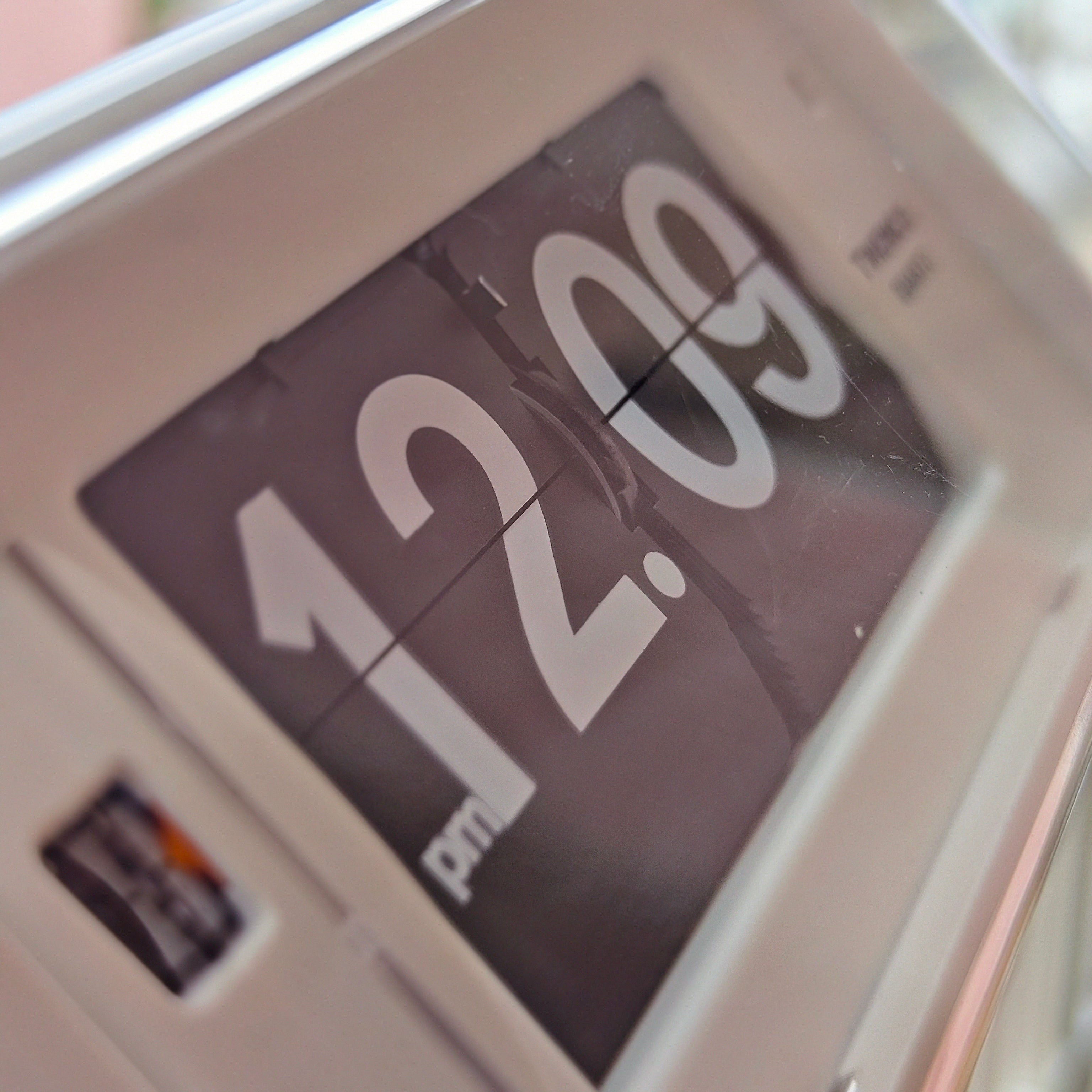
Most battery-powered flip clocks do not use a lot of battery in everyday terms. A well-designed model can run for one to three years on a set of alkaline cells, although the exact result depends on the clock, the number and size of batteries, the weight of the display, added functions and operating conditions.
The important detail is that “battery use” can mean two different things. One clock may run for three years on a single C cell, while another runs for one year on two D cells. Both may be convenient to own, but their annual battery consumption is clearly different. The exact model specification is therefore more useful than a general claim about all flip clocks.
Why a flip clock can run for so long
A modern battery-powered flip clock usually combines a quartz timebase with a small motor and a physical card mechanism. The quartz circuit keeps the pace of time; the motor supplies the brief mechanical action needed to advance the display.
The U.S. National Institute of Standards and Technology explains the piezoelectric principle behind quartz clocks: an electronic circuit uses the crystal’s stable vibration to generate a timing signal. In a flip clock, that signal ultimately controls a display that moves at intervals rather than an illuminated screen that must remain visible continuously.
The cards may look mechanically demanding, but the motor does not necessarily pull at full load all day. It works when the display needs to advance, then the mechanism waits for the next change. Our guide to how a mechanical flip clock works explains the relationship between the timing movement, gears and cards in more detail.
This is also why appearance alone does not reveal power use. A large clock may need more torque, while a smaller model with a light or alarm may have other electrical demands. Published runtime remains the best starting point.
Real flip-clock battery runtimes
Current Time Will Flip product specifications show how widely model-level requirements can vary:
- TWEMCO BQ-38: one C (LR14) alkaline battery, with a stated operation period of two years.
- TWEMCO BQ-50: two D (LR20) alkaline batteries, with a stated operation period of one year.
- TWEMCO QT-35: one C (LR14) alkaline battery, with a stated operation period of three years.
- NeXtime Metal Big Flip Clock: two D batteries, with a stated battery-operation period of two years.
These figures are useful because they refer to complete battery sets, not the lifespan of the clock itself. They also show why battery count is not a reliable shortcut: two clocks using large cells can have different stated runtimes, while two models from the same maker can differ substantially.
Another way to compare them is annual cell use. Based on the stated periods, the BQ-38 averages about half a C cell per year, the QT-35 about one-third of a C cell per year, the BQ-50 two D cells per year and the NeXtime model one D cell per year. This is a planning comparison, not a guarantee; actual replacement timing can vary.
If you want to compare more models, the TWEMCO flip-clock collection brings together clocks with different display sizes, functions and power requirements.
What affects flip-clock battery life?
Display size, weight and mechanical resistance
A motor needs enough torque to release and move the cards. Larger cards, additional calendar rows and heavier mechanisms can require more energy than a compact time-only display. Friction also matters: misalignment, contamination or a damaged card can make the mechanism work harder.
How often the display changes
Minute cards move more frequently than hour or date cards. A time-and-calendar clock may contain several display assemblies, but the date section normally changes far less often than the minute section. The manufacturer designs the battery system around the complete sequence, so the stated runtime already provides a better ownership estimate than counting visible cards.
Lights, alarms and extra electronics
A backlight, night light, alarm, sensor or wireless function may add to consumption. Usage matters too: a light that is pressed occasionally is different from an illuminated display left on continuously. When these features are present, check whether the maker’s runtime assumes typical use.
Battery size, chemistry and quality
AA, C and D describe physical sizes, not a universal runtime. Capacity, chemistry, discharge characteristics, temperature and product quality all affect results. Use the exact size and chemistry specified by the clock maker. Energizer’s battery comparison chart distinguishes primary alkaline cells from lithium and rechargeable chemistries and advises matching the battery to the device.
Do not assume that a rechargeable cell is automatically suitable because it fits the compartment. Its voltage and discharge behaviour may differ from the alkaline battery for which the movement was designed. Follow the clock manual or ask the manufacturer when the instructions are unclear.
Temperature and placement
Very hot conditions can reduce battery performance and increase leakage risk. A clock beside a radiator, in direct sun or in a damp location also faces stresses beyond power consumption. Keep it within the manufacturer’s stated operating range and away from rapid temperature changes.
Battery contacts and clock condition
Dirty, loose or corroded contacts can create intermittent power even when the battery still has charge. An ageing motor or stiff mechanism may also stop reliably operating at a voltage that was adequate when the clock was new. If runtime suddenly becomes much shorter than before, investigate the clock as well as the battery.
Do flip clocks use more battery than ordinary clocks?
There is no single answer by display category. A basic analog quartz clock often has a very small electrical load, but it still moves hands continuously or in steps. A physical flip clock adds a card mechanism and brief motor work. A simple LCD clock can also be low-drain, while an LED display that stays illuminated may be designed for mains power or use batteries more quickly.
The fair comparison is therefore not “mechanical versus digital” in isolation. Compare the exact power source, number of cells, published runtime and features. Our article on battery efficiency in analog clocks covers the broader design principle; this guide focuses on how to interpret flip-clock specifications and ownership cost.
How to tell when a flip clock battery is getting weak
A weak battery does not always produce a neat warning icon. Depending on the model, you may notice:
- the clock stops completely;
- cards hesitate, flip incompletely or miss a change;
- the motor sounds weaker or laboured;
- operation becomes intermittent after the clock is touched; or
- the display fails even though the timekeeping circuit appears to continue.
These symptoms can also come from friction, misalignment or contact corrosion. Start with the least invasive check: confirm the specified battery, polarity and contact condition, then install a fresh matching set. Do not force the cards. For a wider troubleshooting sequence, see our guide to common flip-clock problems and safe first fixes. The distinction between weak drive and true timekeeping drift is explained in our guide to flip-clock accuracy and display timing.
How to reduce battery use and protect the clock
- Use the specified battery. Match the maker’s size and chemistry rather than choosing by convenience.
- Replace a multi-cell set together. Do not mix old and new batteries or different types.
- Write down the installation date. It makes the stated one-, two- or three-year period easier to monitor.
- Remove exhausted cells promptly. A dead battery left in the compartment can leak and damage contacts.
- Remove batteries for long storage. Protect the clock from pressure on its cards and keep it in a cool, dry place.
- Keep the mechanism clean without experimenting inside it. External dusting is safer than sprays or unapproved oil.
- Investigate a sudden change. Short runtime may indicate high resistance, a failing motor or poor contact rather than unusually “hungry” electronics.
Energizer’s battery-care guidance recommends reading the device instructions, keeping contacts clean, removing exhausted cells promptly and replacing all batteries in a device with new cells of the same size and type. For the clock itself, our guide to flip-clock lifespan and maintenance explains how battery care fits into long-term ownership.
How much should battery use matter when buying?
For most buyers, replacement frequency matters more than an abstract electrical figure. Ask four practical questions:
- How many batteries does the clock require?
- What size and chemistry are specified?
- How long does the manufacturer say a set should operate?
- Are features such as lighting included in that estimate?
A one-battery clock with a three-year stated period is especially low-maintenance. A larger statement clock using two D cells each year asks more of its owner, but the cost may still be modest relative to its scale, readability and design role. Battery consumption is one factor—not a verdict on quality.
Frequently Asked Questions
How long do batteries last in a flip clock?
Model specifications vary. Current examples range from one year on two D cells to three years on one C cell. Use the exact product specification rather than assuming all flip clocks have the same runtime.
Can I use rechargeable batteries in a flip clock?
Only if the manufacturer permits them. Rechargeable cells may have different voltage and discharge characteristics from the specified alkaline batteries. A cell that physically fits is not automatically compatible.
Does every flip use a lot of power?
No. The motor’s action is brief, and efficient clocks can operate for years on a set of batteries. Display size, resistance, features and movement design determine the complete load.
Should I remove the batteries if I am not using the clock?
For extended storage, yes. For everyday ownership, a healthy modern clock can usually continue operating; our guide to whether you can leave a flip clock running all the time explains the important exceptions. Removing the batteries during storage reduces the risk of leakage and contact corrosion. Store the clock dry and protect the cards and controls from pressure or impact.